Getting Started with CraftLeads: Find, Qualify, and Export B2B Leads in Minutes
A step-by-step tutorial to create your account, build your first campaign, and export qualified leads with AI-generated personalized emails using CraftLeads.
Ready to build a qualified list of B2B leads with personalized email drafts — without hours of manual research? This guide walks you through CraftLeads from sign-up to CSV export in under 20 minutes.
Step 1: Visit CraftLeads
Head to craftleads.ai. You'll land on our homepage where you can see exactly what CraftLeads does: find companies, enrich them with real data, qualify them with AI, and generate personalized outreach emails for you to use however you want.
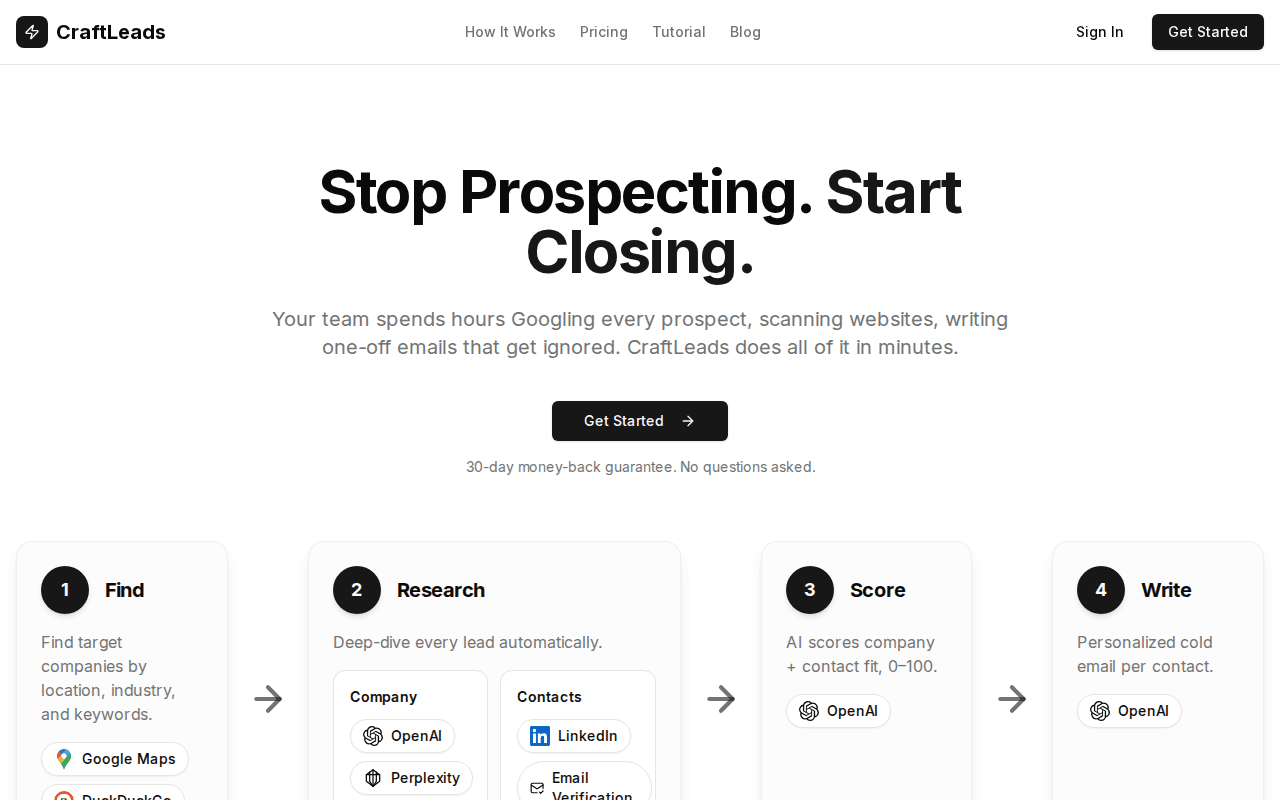
Click "Get Started" to create your account.
Step 2: Sign Up
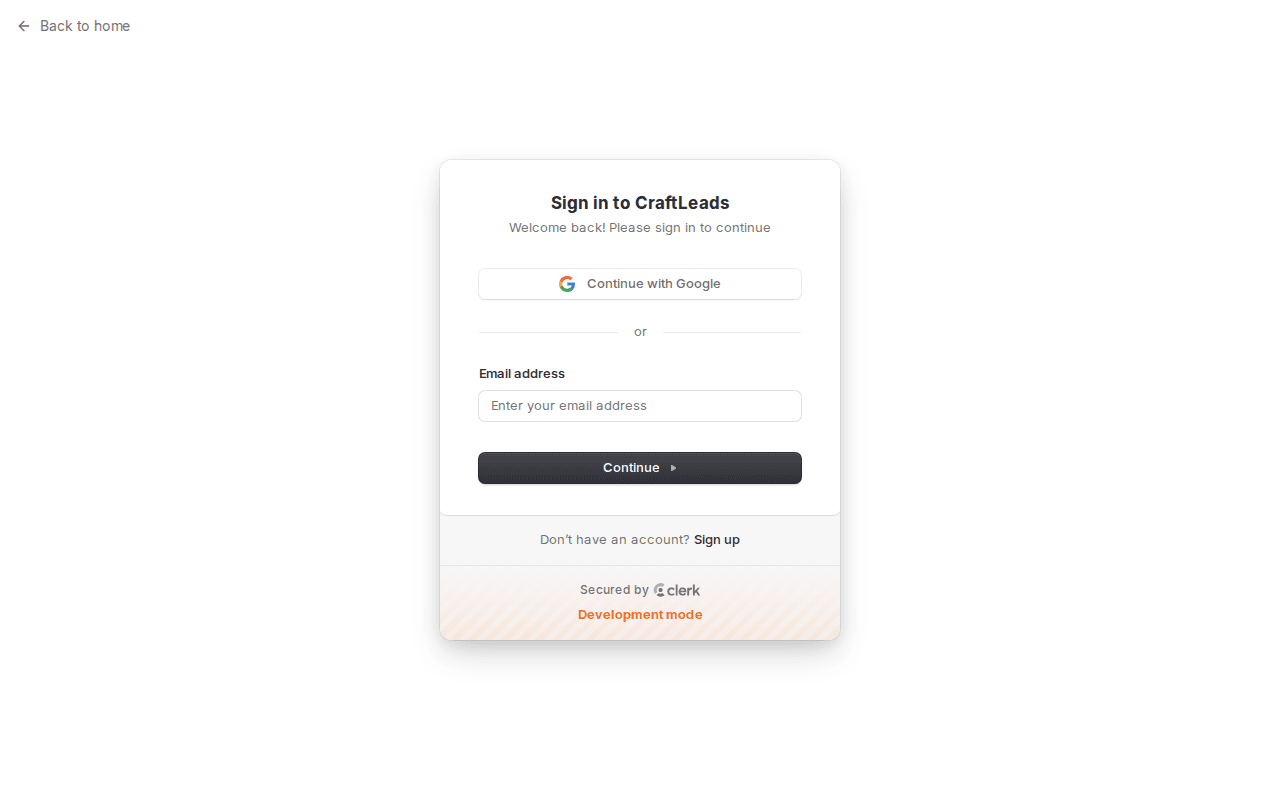
Create your account with email or Google sign-in. It takes seconds.
💡 Tip: Complete your profile after signing up. CraftLeads uses your company info and value proposition to generate better personalized emails for your leads.
Step 3: Your Dashboard
Once logged in, you'll see the dashboard — your home base for managing campaigns. Each campaign is a targeted lead search with its own criteria and results.
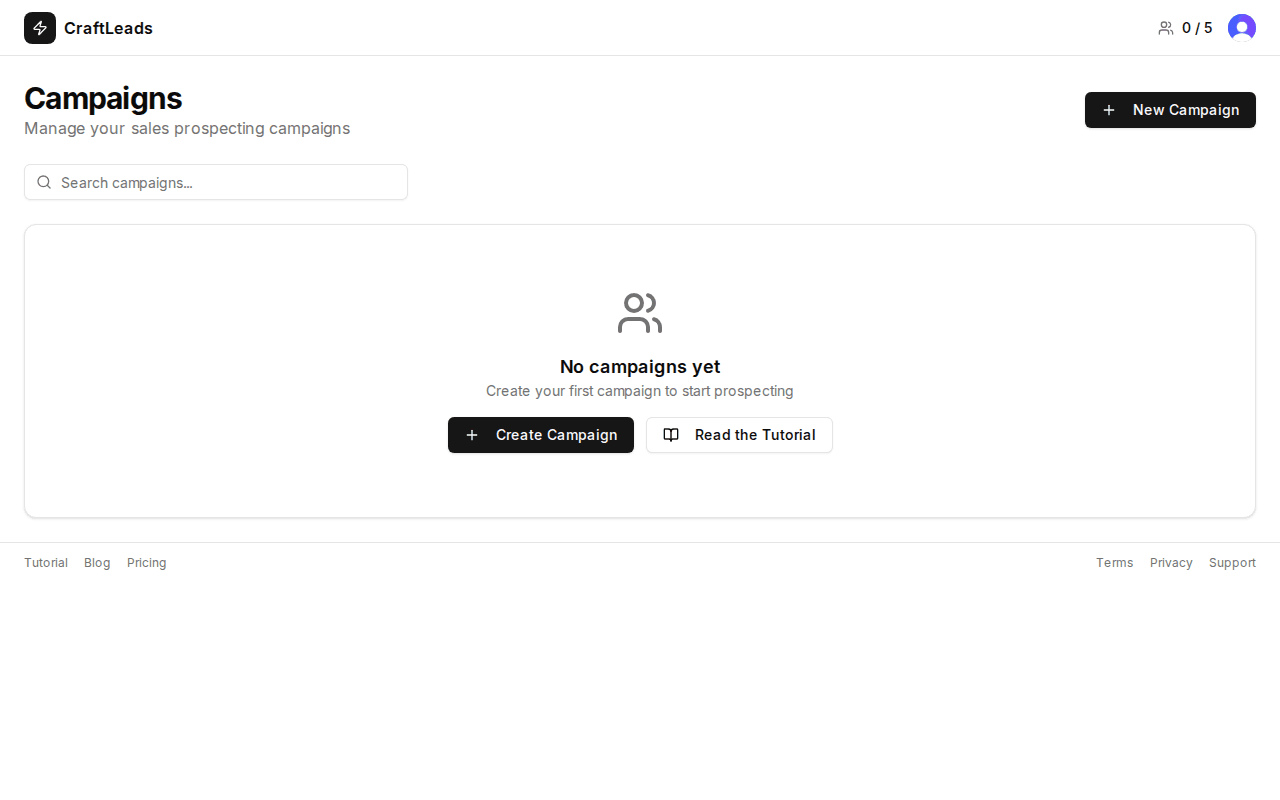
From here you can:
- View all your campaigns and their status
- See how many leads each campaign found
- Access your exported lead lists
- Create new campaigns
Step 4: Create Your First Campaign
Click "New Campaign" to start building your lead list. This is where the magic happens.
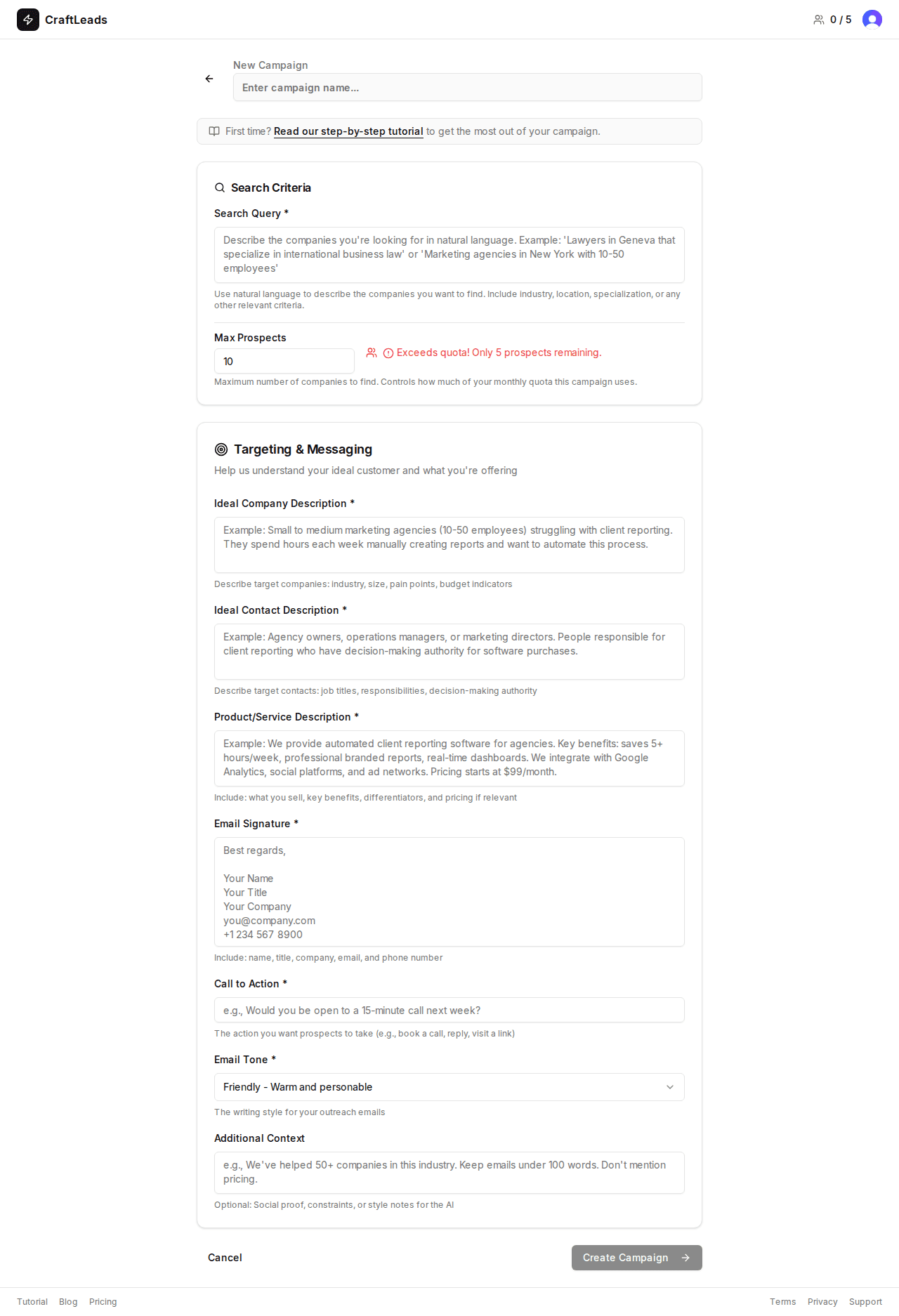
4.1 — Define Your Search
CraftLeads searches Google Maps to find real businesses matching your criteria. You'll set:
- Business type / industry: Restaurants, marketing agencies, dental clinics, SaaS companies…
- Location: City, region, or broader area
- Keywords: Specific terms to narrow your search
Example search:
Business type: Digital marketing agencies
Location: Lyon, France
Keywords: SEO, web design
💡 Pro tip: Start narrow. "Yoga studios in Bordeaux" will give you more actionable leads than "fitness businesses in France." You can always run more campaigns.
4.2 — Automatic Enrichment
Once CraftLeads finds businesses via Google Maps, it automatically enriches each one by crawling their website. This gives you:
- Company description and services
- Contact information found on their site
- Technology stack and online presence signals
- Key details the AI can use for personalization
No manual research needed — CraftLeads does it in seconds.
4.3 — AI Qualification & Scoring
Here's where CraftLeads really shines. The AI analyzes each enriched lead and assigns a qualification score based on:
- How well they match your ideal customer profile
- Signals from their website (outdated site, missing features, growth indicators)
- Relevance to your value proposition
This means you spend your time on the leads most likely to convert — not sorting through hundreds of irrelevant contacts.
4.4 — Personalized Email Generation
For each qualified lead, CraftLeads generates a unique, personalized email draft based on real data from their website. These aren't templates with {first_name} placeholders — they reference specific details about each company.
Here's an example of what the AI generates:
Hi Marie,
I came across Atelier Numérique while researching web agencies in Bordeaux. Your redesign of the Maison Duval site is impressive — the checkout flow is really smooth.
That said, I noticed your own site only shows up on page 2 for "web agency Bordeaux." Classic cobbler's shoes situation 😅
At [your company], we help agencies like yours get found by their ideal clients. Would love to share how — 15 minutes work for you?
You can review and edit every email before using it. CraftLeads gives you the drafts; you decide what to do with them.
Step 5: Export Your Leads
When your campaign is complete, export everything as a CSV file. Each row includes:
- Company name and address
- Website URL
- Contact details found during enrichment
- AI qualification score
- The personalized email draft
From there, you can:
- Import into your favorite email tool and send the emails yourself
- Load into a spreadsheet for further filtering
- Share with your sales team
- Use with any CRM or outreach tool you already have
💡 Tip: Sort by qualification score before exporting. Focus on your highest-scored leads first for the best results.
Tips for Better Results
Write a Clear Value Proposition
The AI uses your value proposition to generate relevant emails. Be specific:
✅ Good: "We build SEO-optimized websites for restaurants that want more online reservations"
❌ Vague: "We do digital marketing"
Keep Searches Focused
Smaller, targeted campaigns produce better leads than broad ones. Run multiple focused campaigns rather than one giant search.
Review the AI's Work
The generated emails are surprisingly good, but always review them. Add your personal touch, fix anything that feels off, and make sure the tone matches your brand.
Email Writing Best Practices
When you send the exported emails (using your own email tool), keep these in mind:
- Keep it short — under 150 words works best
- Reference something specific about their business
- Ask a question rather than making a pitch
- Personalize the subject line — avoid generic "Partnership Opportunity" subjects
- Send Tuesday–Thursday mornings for best open rates
FAQ
How does CraftLeads find companies?
CraftLeads searches Google Maps based on your criteria (industry, location, keywords), then enriches each result by analyzing their website for contact info, services, and other relevant data.
What do I do with the generated emails?
CraftLeads generates personalized email drafts and exports them in CSV format. You send them yourself using whatever email tool you prefer — Gmail, Outlook, Mailchimp, or any outreach platform.
How many leads can I find per campaign?
It depends on your search criteria and plan. Each campaign can surface dozens to hundreds of relevant businesses from Google Maps.
Is it GDPR compliant?
Yes. CraftLeads only uses publicly available business data from Google Maps and company websites. No private data is scraped or stored.
How accurate is the AI scoring?
The AI qualification score is based on real website data and your value proposition. It's a prioritization tool — higher-scored leads are more likely to be a good fit, but we always recommend reviewing leads yourself before reaching out.
Ready to transform your prospecting?
Discover how CraftLeads automates your prospect research and generates personalized emails powered by artificial intelligence.
Try CraftLeads for Free